
Enquiries and quotes
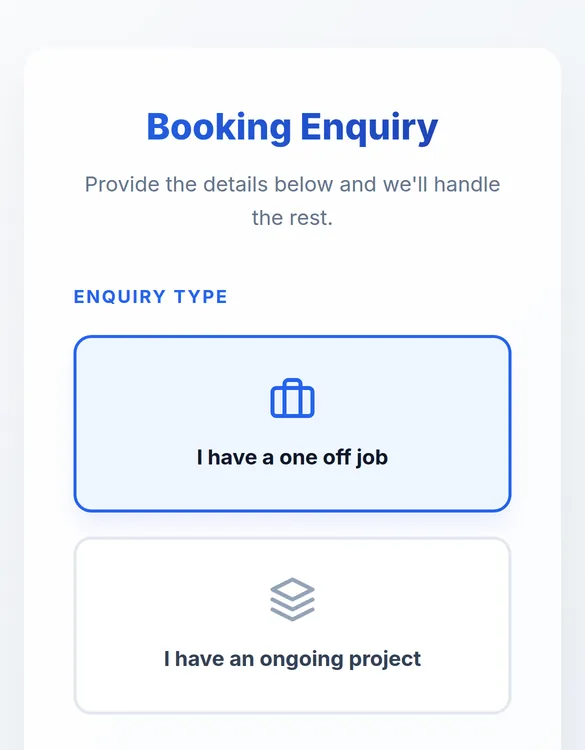
A public booking page with your logo and colours feeds enquiries straight into your pipeline. Convert one to a job or a project and send the quote.
For equipment hire and field service businesses
Schedule Lab gives your business a proper website with online booking, then takes every job from that first enquiry, through quoting and scheduling your machines and crew, to a signed digital docket from site, ready to invoice. No more whiteboards, paper dockets or double handling your data.
No sign-up. The demo is a working copy of the app with sample data, reset every night.
Your online presence
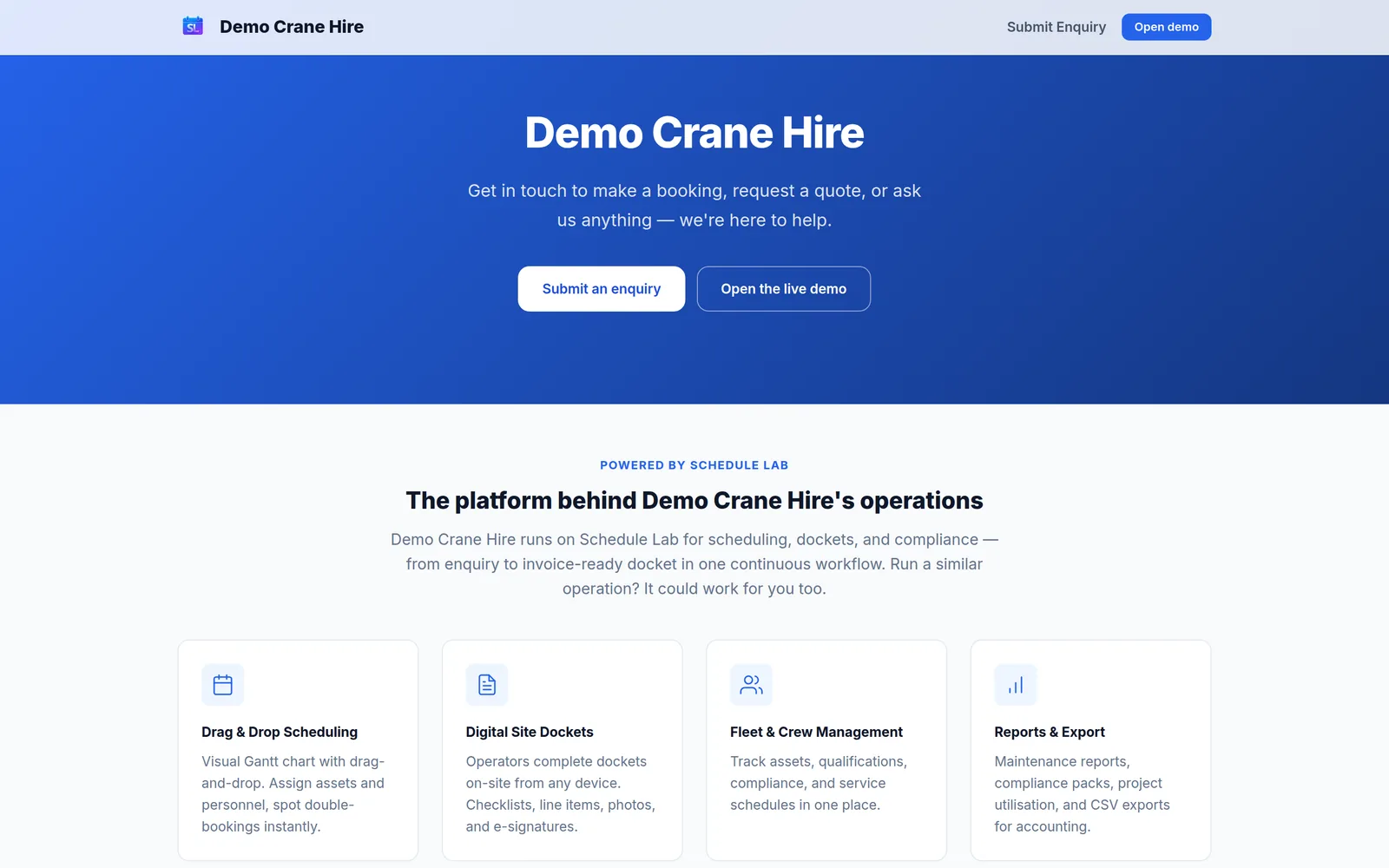
Every Schedule Lab comes with a public website at your own web address: your name, logo, colours and contact details, and a booking form that drops enquiries straight into your schedule. No web address yet? We'll help you choose and register one, and set it up for you.
If your customers find you through a Facebook page or Instagram today, this gives you a proper home on the web and a better way to run the work, in one step. Want more than the standard page? We give you the tools to make it your own, from colours and images to a fully custom design, with the booking form built in.
Features
A public booking page with your logo and colours feeds enquiries straight into your pipeline. Convert one to a job or a project and send the quote.
Book machines and crew to jobs, see the week ahead, and get warned about double-bookings. Projects handle recurring work with job templates.
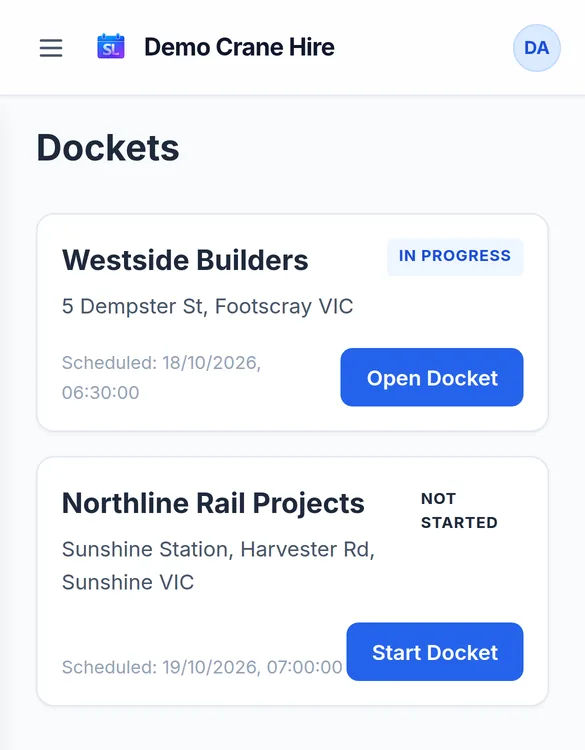
Pre-start checklists, hazards and controls, yard-to-yard times, machine hours, site photos and signatures, on the operator's phone, even with poor signal.
Every machine's rego, insurance, inspections and certificates with expiry warnings, plus service intervals tracked from the meter readings on each docket.
Tickets and licences with expiry dates. Staff photograph a new or renewed card and submit it; the office verifies it before it counts.
Validated dockets export as a Xero-ready CSV with hours and line items. Maintenance, compliance and utilisation reports when you need them.
In the office
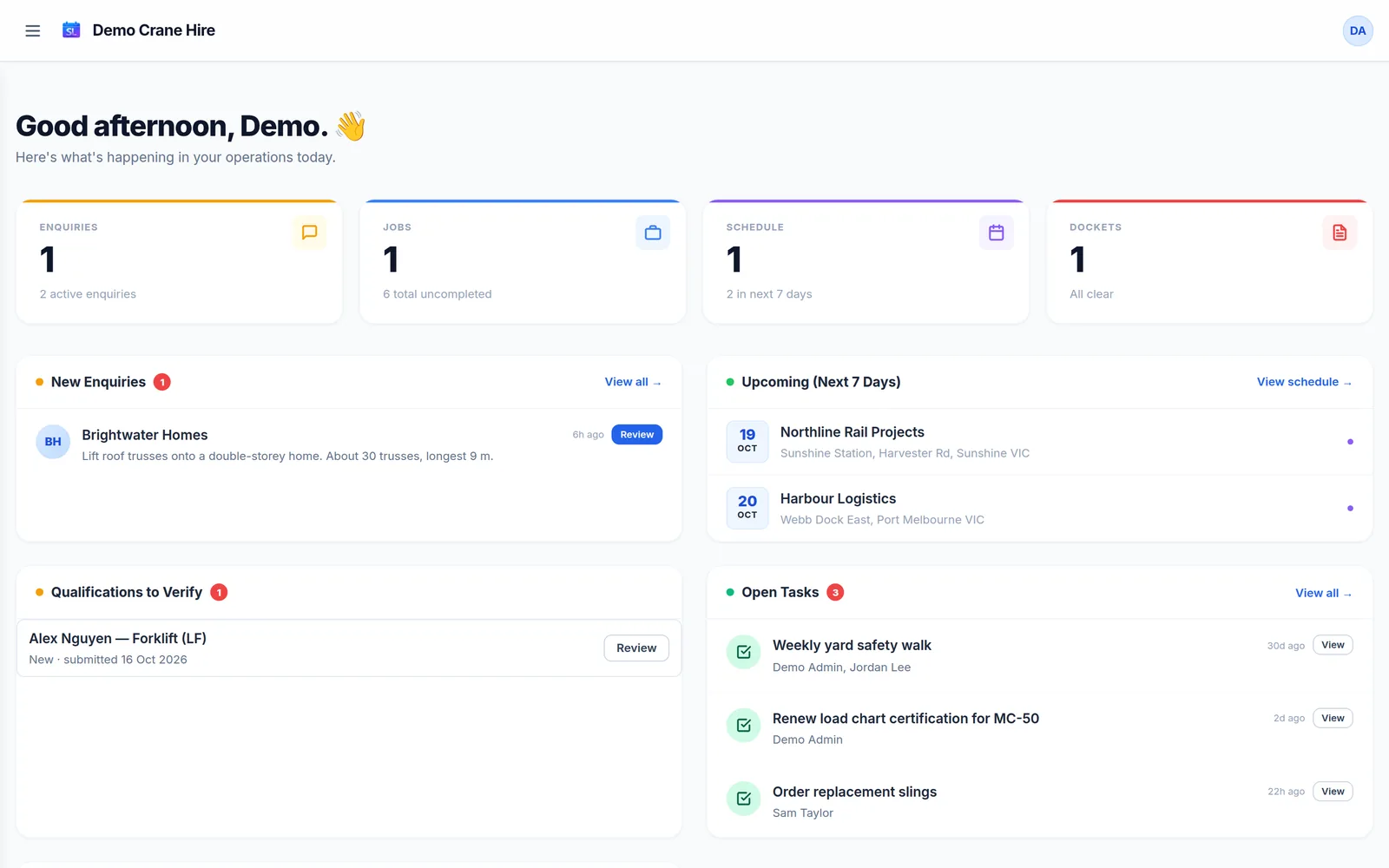
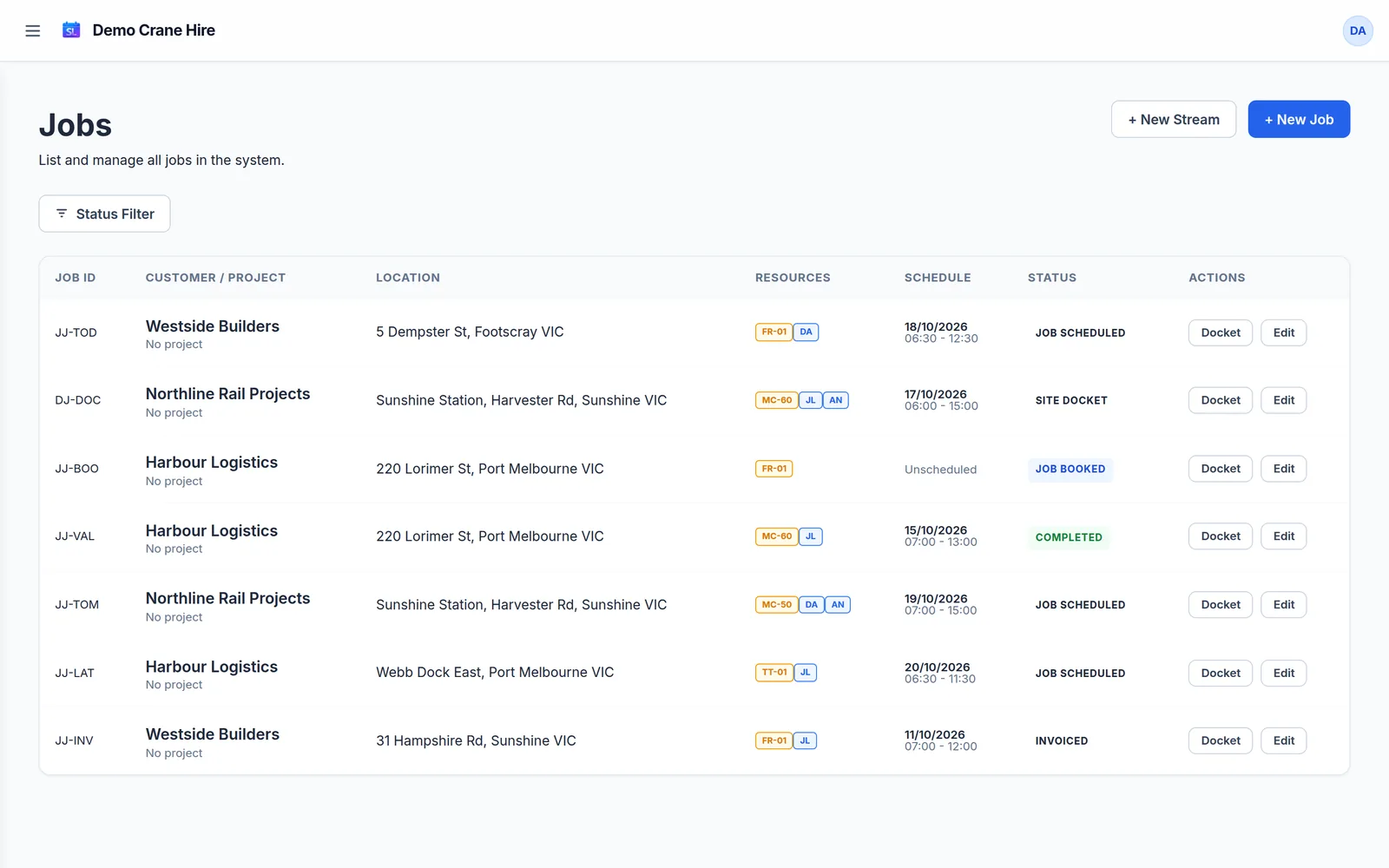
See what's quoted, booked, scheduled, waiting on a docket and ready to invoice. Admins, dispatchers and operators each see what their role needs, and nothing more.
Scheduling
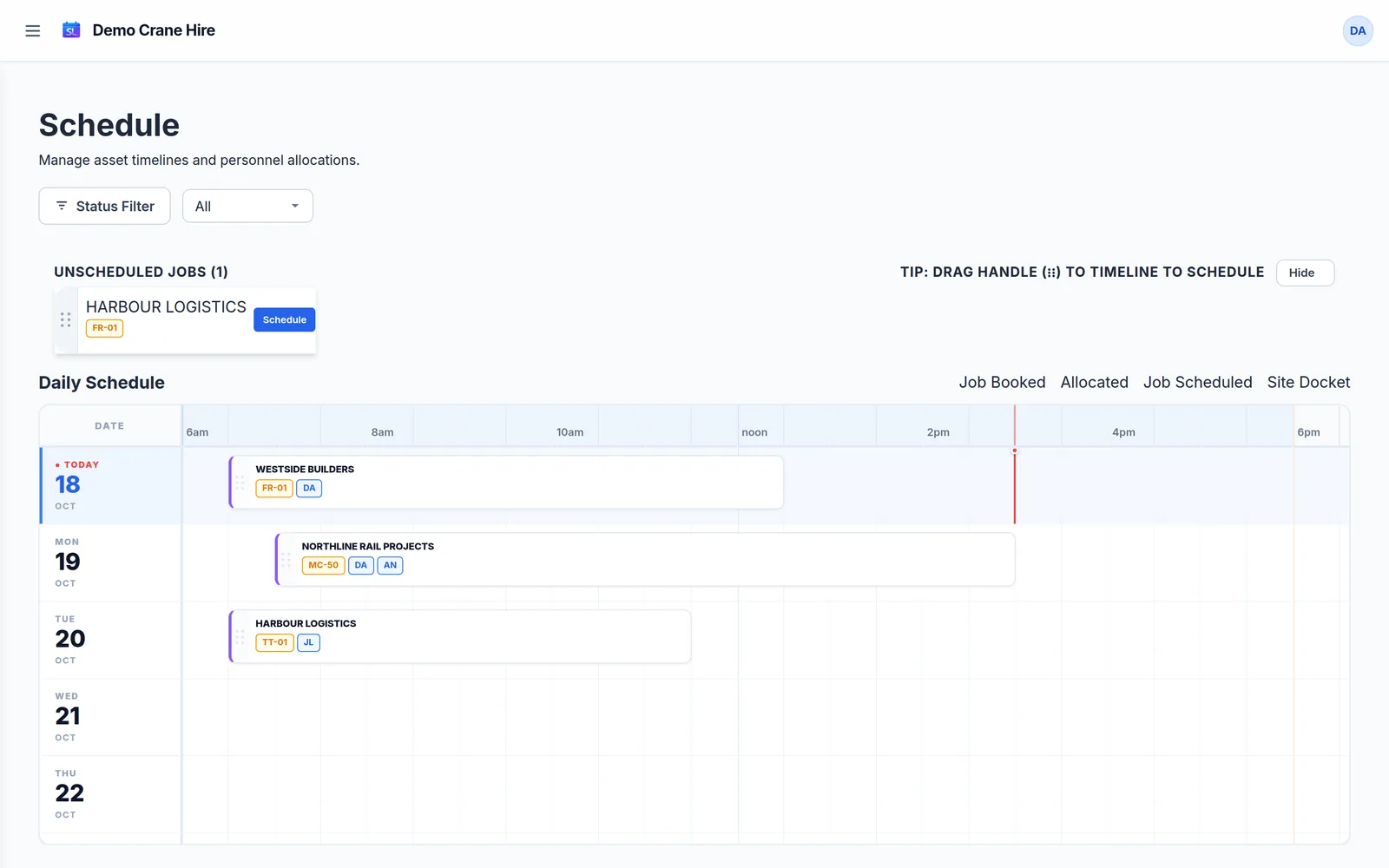
Unscheduled jobs wait in a tray above the timeline. Drag one onto a day and time and it's booked for the machine's minimum hire; drag it again to move it. Its machines and crew go with it, and you're warned straight away if anyone is double-booked.
On site
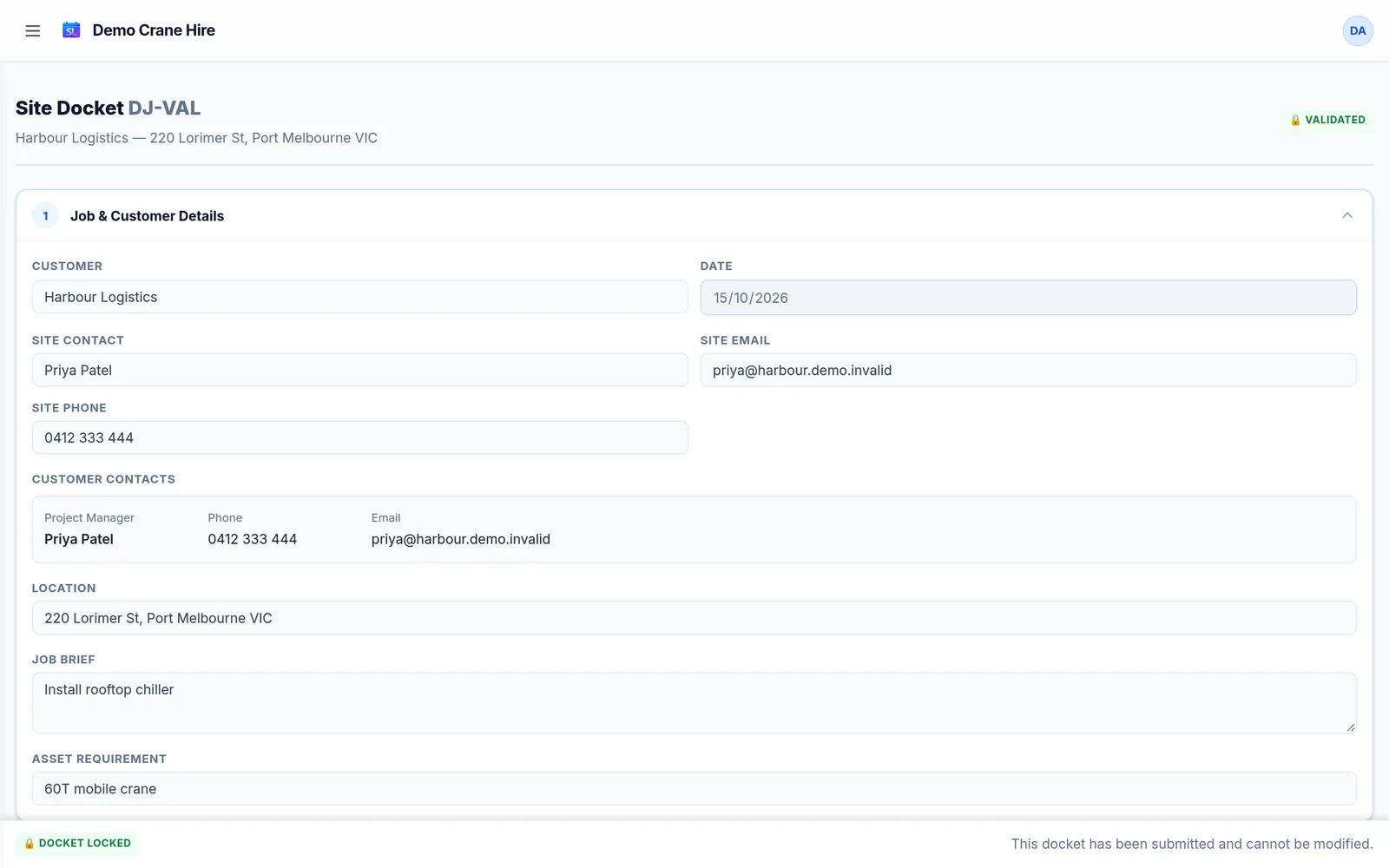
Operators open their docket on their phone, run the pre-start, log hazards and hours, add photos and get the customer's signature. The office validates it the same afternoon, with no paperwork in the ute.
Your data
Schedule Lab is installed into a cloud account in your business's name, not a shared server. It's yours to keep running, and your data never sits alongside anyone else's.
Export everything at any time: every record and every file, in one download, with an offline viewer that opens it without the internet.
Staff sign in with a one-time code sent to their email. Turn someone's login off and they're out.
Pricing
One-off
Cancel any time
Save with 12 months upfront
Standard support is by email, usually within two business days. Priority support, with phone and faster response, is available. Need a web address? We can help you register a domain and connect it. Data import and extra training are quoted separately. Get in touch for a quote.
The live demo opens on Demo Crane Hire's public booking page: what your customers would see. Click Open the live demo to step into the office as an admin, and use the role switcher in the menu to see the dispatcher and operator views.
Change anything you like. Emails are never sent, and the demo resets every night.